
Android Security Architecture Deep Dive
Android has evolved from a mobile operating system with relatively modest security features into one of the most sophisticated security architectures in consumer technology. With over 3 billion a...
Introduction
Android has evolved from a mobile operating system with relatively modest security features into one of the most sophisticated security architectures in consumer technology. With over 3 billion active devices worldwide, Android's security model must protect an incredibly diverse ecosystem spanning smartphones, tablets, wearables, automotive systems, and IoT devices.
The Android security architecture is built on multiple layers of defense, leveraging the Linux kernel's security features while adding Android-specific mechanisms like application sandboxing, permission systems, verified boot, and hardware-backed security. Understanding this architecture is essential for security professionals, developers, and researchers who work with mobile platforms.
This article provides a comprehensive examination of Android's security architecture, from its foundational Linux kernel protections through application-level security mechanisms. We'll explore real-world vulnerabilities, detection techniques, and best practices that have emerged from years of security research and incident response in the Android ecosystem.
Core Concepts
Multi-Layered Security Model
Android's security architecture operates on a defense-in-depth principle with six primary layers:
**1. Hardware Security Layer**: Includes Trusted Execution Environment (TEE), secure boot mechanisms, and hardware-backed keystores that provide cryptographic operations isolated from the main operating system.
**2. Kernel Security**: Based on the Linux kernel with Android-specific security enhancements including SELinux (Security-Enhanced Linux), kernel hardening features, and memory protection mechanisms.
**3. Application Sandbox**: Each application runs in its own isolated process with a unique Linux User ID (UID), preventing applications from accessing each other's data or system resources without explicit permission.
**4. Application Framework**: Provides security-enforcing APIs that control access to sensitive resources, including the permission system, content provider security, and inter-process communication (IPC) controls.
**5. Application Layer**: Where developers implement app-specific security measures including encryptionEncryption🛡️The process of converting data into a coded format that can only be read with the correct decryption key., secure authentication, and secure coding practices.
**6. System Services**: Critical services like the Package Manager, Activity Manager, and KeyStore service that enforce security policies across the platform.
Key Security Components
**SELinux (Security-Enhanced Linux)**: Mandatory Access Control (MAC) system that enforces security policies at the kernel level. In Android 5.0+, SELinux runs in enforcing mode, creating strict boundaries between system components.
**Application Sandbox**: Each app receives a unique UID at install time and runs in a separate process. This process-level isolation prevents apps from interfering with each other or accessing system resources without permission.
**Permission System**: A declarative security model where applications must request permissions to access sensitive resources. Android 6.0+ introduced runtime permissions, requiring user consent at the time of use rather than installation.
**Verified Boot**: Ensures the device boots only trusted software by cryptographically verifying each stage of the boot process, from bootloader to system partition.
**Hardware-Backed Keystore**: Provides cryptographic key management with keys stored in secure hardware (TEE or Secure Element), making key extraction virtually impossible even with root access.
How It Works
Boot Process Security
The Android boot process implements a chain of trust starting from the hardware:
ROM Bootloader (Immutable)
    ↓ (Verifies signature)
Bootloader
    ↓ (Verifies signature)
Boot Partition (Kernel + ramdisk)
    ↓ (Verifies signature)
System Partition
    ↓
Applications
**Verified Boot** (also called dm-verity) cryptographically verifies the system partition at boot:
Example dm-verity verification tree structure:
Root Hash (stored in boot partition)
    ↓
[Layer 0 Hash Block]
    ↓
[Layer 1 Hash Blocks] → Hash of data blocks
    ↓
[Data Blocks] → Actual system files
Application Sandboxing in Detail
When an application is installed, the Package Manager Service assigns it a unique UID:
# Example UIDs on Android
u0_a123  # User app UID (app 123)
u0_a124  # User app UID (app 124)
system   # System server UID (1000)
radio    # Radio interface UID (1001)
Each process runs with this UID, and the Linux kernel enforces access control:
// Simplified kernel-level access check
int check_file_access(struct file *file, uid_t requesting_uid) {
    if (file->uid != requesting_uid) {
        // Check if world-readable/writable
        if (!(file->mode & S_IROTH)) {
            return -EACCES; // Permission denied
        }
    }
    return 0; // Access granted
}
Application data directories reflect this isolation:
/data/data/com.example.app1/  (owned by u0_a123)
/data/data/com.example.app2/  (owned by u0_a124)
SELinux Policy Enforcement
SELinux adds an additional mandatory access control layer. Even if an application has the correct UID, SELinux policies can restrict actions:
# Example SELinux policy snippet
type untrusted_app;
type system_data_file;

# Deny untrusted apps from accessing system data
neverallow untrusted_app system_data_file:file { read write };

# Allow apps to read their own data
allow untrusted_app app_data_file:file rw_file_perms;
Checking SELinux context:
# View file SELinux context
ls -Z /data/data/com.example.app/
# Output: u:object_r:app_data_file:s0:c512,c768

# View process SELinux context
ps -Z | grep com.example.app
# Output: u:r:untrusted_app:s0:c512,c768
Permission System Architecture
Android implements a three-tier permission system:
**Normal Permissions**: Automatically granted at install time (e.g., INTERNET, BLUETOOTH)
**Dangerous Permissions**: Require runtime user approval (e.g., CAMERA, LOCATION, CONTACTS)
**Signature Permissions**: Only granted to apps signed with the same certificate as the declaring app
Example permission enforcement in system service:
public class LocationManagerService extends ILocationManager.Stub {
    public Location getLastKnownLocation(String provider) {
        // Check permission before granting access
        if (mContext.checkCallingPermission(
            android.Manifest.permission.ACCESS_FINE_LOCATION)
            != PackageManager.PERMISSION_GRANTED) {
            throw new SecurityException("Requires ACCESS_FINE_LOCATION");
        }
        return mLocationProvider.getLastKnownLocation();
    }
}
Cryptographic Architecture
The Android Keystore provides hardware-backed cryptographic operations:
// Generate key in hardware keystore
KeyGenerator keyGen = KeyGenerator.getInstance(
    KeyProperties.KEY_ALGORITHM_AES, "AndroidKeyStore");

KeyGenParameterSpec spec = new KeyGenParameterSpec.Builder(
    "myKey",
    KeyProperties.PURPOSE_ENCRYPT | KeyProperties.PURPOSE_DECRYPT)
    .setBlockModes(KeyProperties.BLOCK_MODE_GCM)
    .setEncryptionPaddings(KeyProperties.ENCRYPTION_PADDING_NONE)
    .setUserAuthenticationRequired(true) // Requires biometric/PIN
    .setUserAuthenticationValidityDurationSeconds(300)
    .build();

keyGen.init(spec);
SecretKey key = keyGen.generateKey();

// Key never leaves secure hardware
Cipher cipher = Cipher.getInstance("AES/GCM/NoPadding");
cipher.init(Cipher.ENCRYPT_MODE, key);
byte[] encrypted = cipher.doFinal(plaintext);
Real-World Examples
CVE-2015-1805: Kernel Memory Corruption
This critical vulnerabilityVulnerability🛡️A weakness in software, hardware, or processes that can be exploited by attackers to gain unauthorized access or cause harm. in the Linux kernel affected millions of Android devices, allowing privilege escalationPrivilege Escalation🛡️An attack technique where an adversary gains elevated access rights beyond what was initially granted. from untrusted apps to root access.
**Technical Details**: The bug existed in the pipe_read and pipe_write functions, where the kernel failed to properly validate IOV (I/O vector) structures in the pipe I/O operations.
**ExploitExploit🛡️Code or technique that takes advantage of a vulnerability to cause unintended behavior, such as gaining unauthorized access. Chain**:
Related Reviews
REOLINK 4K Security Camera System Review: Professional PoE Surveillance at DIY Prices
The REOLINK 4K PoE security system delivers 8MP clarity, smart person/vehicle detection, 24/7 recording with 4TB storage, and plug-and-play installation for comprehensive home surveillance.
Ring Outdoor Cam Pro Review: 4K Security Camera with Radar-Powered Motion Detection
The Ring Outdoor Cam Pro delivers Retinal 4K video, 10x enhanced zoom, Low-Light Sight for true color night vision, and radar-powered 3D motion detection for precise security alerts.
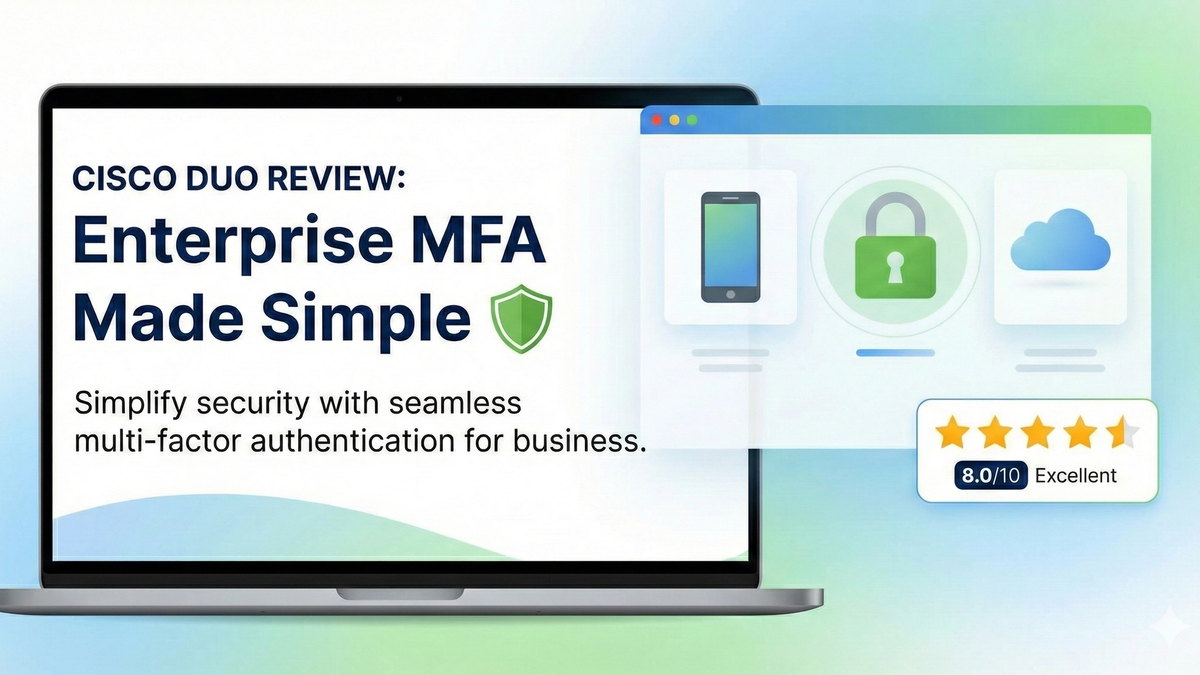
Cisco Duo Review: Enterprise MFA Made Simple
Cisco Duo delivers robust multi-factor authentication with one of the smoothest user experiences in the enterprise MFA space. While pricing can escalate quickly for larger teams, its device trust and adaptive policies make it a solid choice for security-conscious organizations.