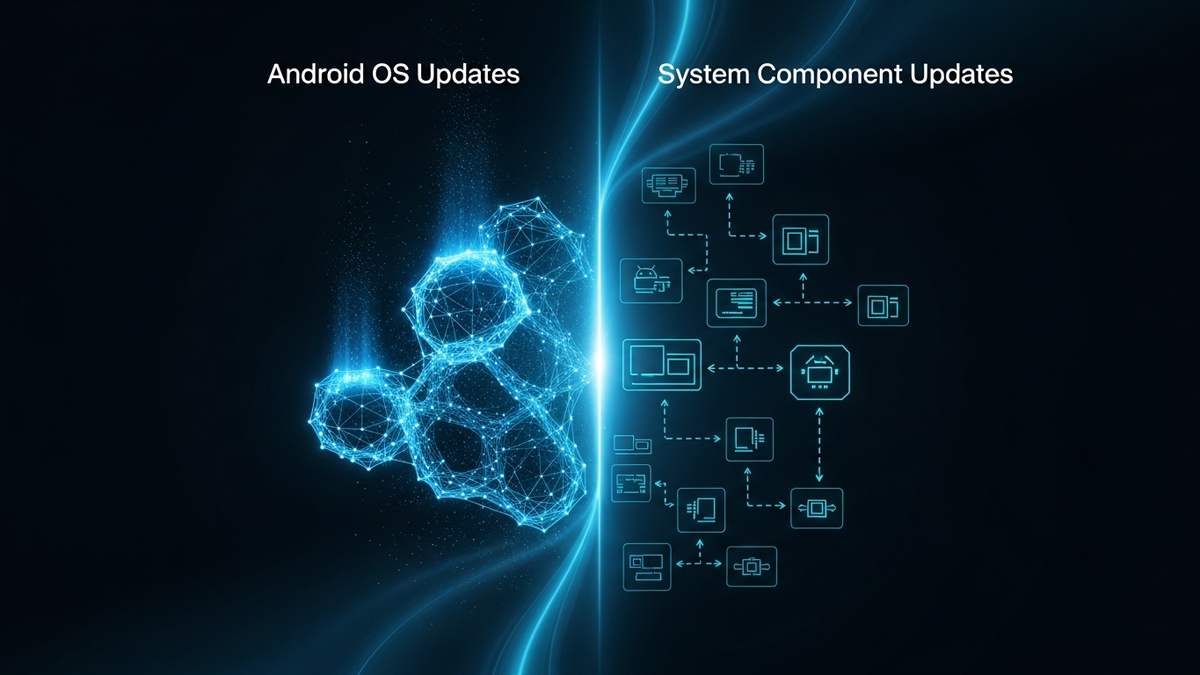
The Difference Between Android OS Updates and System Component Updates
If you own an Android device, you've likely encountered notifications prompting you to install updates. Some updates require restarting your phone and take considerable time to install, while oth...
Introduction
If you own an Android device, you've likely encountered notifications prompting you to install updates. Some updates require restarting your phone and take considerable time to install, while others complete silently in the background without any interruption. Understanding the distinction between these two types of updates—full Android OS updates and system component updates—is essential for anyone who wants to maximize their device's security, performance, and longevity.
Many Android users remain confused about why their device receives some updates but not others, or why a friend's phone gets the latest Android version while theirs doesn't. This confusion stems from a fundamental misunderstanding of Android's update architecture. Unlike iOS, where Apple controls both the hardware and software in a tightly integrated ecosystem, Android's open-source nature creates a more complex update landscape with multiple layers and stakeholders.
In this comprehensive guide, we'll demystify Android's update ecosystem by exploring the critical differences between OS updates and system component updates. You'll learn how each type works, why both matterMatter🏠A new universal smart home standard backed by Apple, Google, and Amazon for cross-platform compatibility. for your device's health, and how to make informed decisions about managing updates on your Android device. Whether you're a casual user wanting to understand those persistent notifications or a technology enthusiast seeking deeper knowledge, this article will provide the clarity you need.
Core Concepts
What Are Android OS Updates?
Android OS updates represent comprehensive upgrades to your device's entire operating system. These are the major version releases you hear about in tech news—Android 11, Android 12, Android 13, and so forth. Each major version comes with a dessert-themed code name (though Google stopped using these publicly after Android 9 Pie) and typically releases annually, usually in late summer or early fall.
An Android OS update includes:
These updates are substantial—often measuring 1-2 GB or more—and require a device restart. They fundamentally change how your phone operates and often cannot be reversed once installed.
What Are System Component Updates?
System component updates, delivered primarily through Google Play System Updates (formerly called Project Mainline), represent a newer, more modular approach to updating Android devices. Introduced with Android 10, this system allows Google to update specific components of the operating system independently of full OS upgrades.
System component updates include:
These updates are typically much smaller (ranging from a few kilobytes to several megabytes), install in the background, and often don't require a restart. They happen more frequently—sometimes monthly or even more often—and users may not even notice them occurring.
The Key Distinctions
The fundamental difference lies in **scope, delivery, and control**:
**Scope**: OS updates change everything about your device's software foundation, while component updates target specific elements without touching the broader system.
**Delivery**: OS updates come from your device manufacturer (Samsung, Google, OnePlus, etc.) after they've customized Android for your specific hardware. Component updates come directly from Google through the Play Store, bypassing manufacturer involvement.
**Control**: Your device manufacturer and carrier determine if and when you receive OS updates. Google controls component updates and can deploy them to virtually any Android device running Android 10 or later, regardless of manufacturer.
**Frequency**: OS updates arrive once or twice a year (if you're lucky), while component updates can roll out monthly or continuously.
**Impact**: OS updates require user action, device restarts, and significant installation time. Component updates often install seamlessly without user awareness.
How It Works
The Traditional Android OS Update Process
Understanding why OS updates arrive slowly (or not at all) requires examining the complex chain of events between Google releasing Android and you receiving it on your device:
**Step 1: Google Releases the Android Version** Google develops the new Android version and releases the source code to the Android Open SourceOpen Source📖Software with publicly available source code that anyone can inspect, modify, and distribute. Project (AOSP). This typically happens in late summer.
**Step 2: Chip Manufacturers Adapt** Companies like Qualcomm, MediaTek, and Samsung (for Exynos chips) must ensure the new Android version works with their processors. This involves creating and testing drivers and optimizing performance.
**Step 3: Device Manufacturers Customize** Your phone's manufacturer takes the adapted Android version and adds their customizations—Samsung's One UI, OnePlus's OxygenOS, Xiaomi's MIUI, etc. This process involves:
**Step 4: Carrier Approval (If Applicable)** If you purchased your phone through a carrier like Verizon, AT&T, or T-Mobile, they test the update with their network and may add or remove features. Carriers can significantly delay updates during this stage.
**Step 5: Phased Rollout** Finally, the update reaches users through a staged rollout. Manufacturers typically release to a small percentage of devices first, monitor for issues, then gradually expand availability.
This entire process can take **3-12 months** from Google's initial release. Some devices never receive certain updates, particularly budget or older models that manufacturers decide aren't worth the development investment.
The Google Play System Updates Process
Google Play System Updates work fundamentally differently, representing Android's evolution toward a more iOS-like update model:
**Direct Delivery** Google delivers these updates directly through Google Play Services, the same mechanism used to update apps. No manufacturer or carrier involvement is required.
**Modular Architecture** Starting with Android 10, Google restructured Android to separate critical components into updatable modules. Currently, there are over 20 such modules, including:
**Automatic Installation** These updates typically download and install automatically when your device is idle and connected to Wi-Fi. Some updates apply immediately, while others take effect after the next restart (which you'd perform naturally, not forced immediately).
**Broad Compatibility** Any device running Android 10 or later with Google Play Services can receive these updates, regardless of whether the manufacturer has abandoned OS update support. This means a three-year-old phone that won't get Android 14 can still receive critical security and functionality updates.
Google Play Services: The Hidden Powerhouse
Google Play Services deserves special attention as it updates even more frequently than Play System Updates and runs on Android versions going back to Android 5.0 (released in 2014).
This constantly-updating component provides:
Because Play Services updates independently, Google can add new capabilities that apps can immediately use, even on older Android versions. This explains how new features sometimes appear on your phone without an OS update—they're delivered through Play Services.
Real-World Examples
Example 1: The Stagefright VulnerabilityVulnerability🛡️A weakness in software, hardware, or processes that can be exploited by attackers to gain unauthorized access or cause harm. (2015)
The Stagefright security vulnerability dramatically illustrated the limitations of traditional Android updates. This critical flaw in Android's media processing could allow attackers to compromise devices through specially crafted media files.
**The Problem**: Nearly one billion Android devices were vulnerable, but most would never receive a traditional OS update to fix it. Manufacturers had discontinued support for many affected devices, leaving users exposed.
**The Solution**: Google pushed emergency patches through Play Services and worked with manufacturers to prioritize updates. However, the incident highlighted Android's fragmentation problem and directly inspired the creation of Project Mainline (now Play System Updates).
**Modern Impact**: Today, a similar vulnerability would be patched through a system component update to the Media Codecs module, reaching virtually all modern Android devices within weeks rather than leaving millions perpetually vulnerable.
Example 2: Material You on Older Devices
When Google introduced Material You—its adaptive theming system—with Android 12, the feature nominally required the latest OS version. However, users discovered that aspects of Material You appeared on their Android 11 and even Android 10 devices.
**What Happened**: Google delivered many Material You elements through:
Related Reviews
REOLINK 4K Security Camera System Review: Professional PoE Surveillance at DIY Prices
The REOLINK 4K PoE security system delivers 8MP clarity, smart person/vehicle detection, 24/7 recording with 4TB storage, and plug-and-play installation for comprehensive home surveillance.
Ring Outdoor Cam Pro Review: 4K Security Camera with Radar-Powered Motion Detection
The Ring Outdoor Cam Pro delivers Retinal 4K video, 10x enhanced zoom, Low-Light Sight for true color night vision, and radar-powered 3D motion detection for precise security alerts.
Cisco Duo Review: Enterprise MFA Made Simple
Cisco Duo delivers robust multi-factor authentication with one of the smoothest user experiences in the enterprise MFA space. While pricing can escalate quickly for larger teams, its device trust and adaptive policies make it a solid choice for security-conscious organizations.