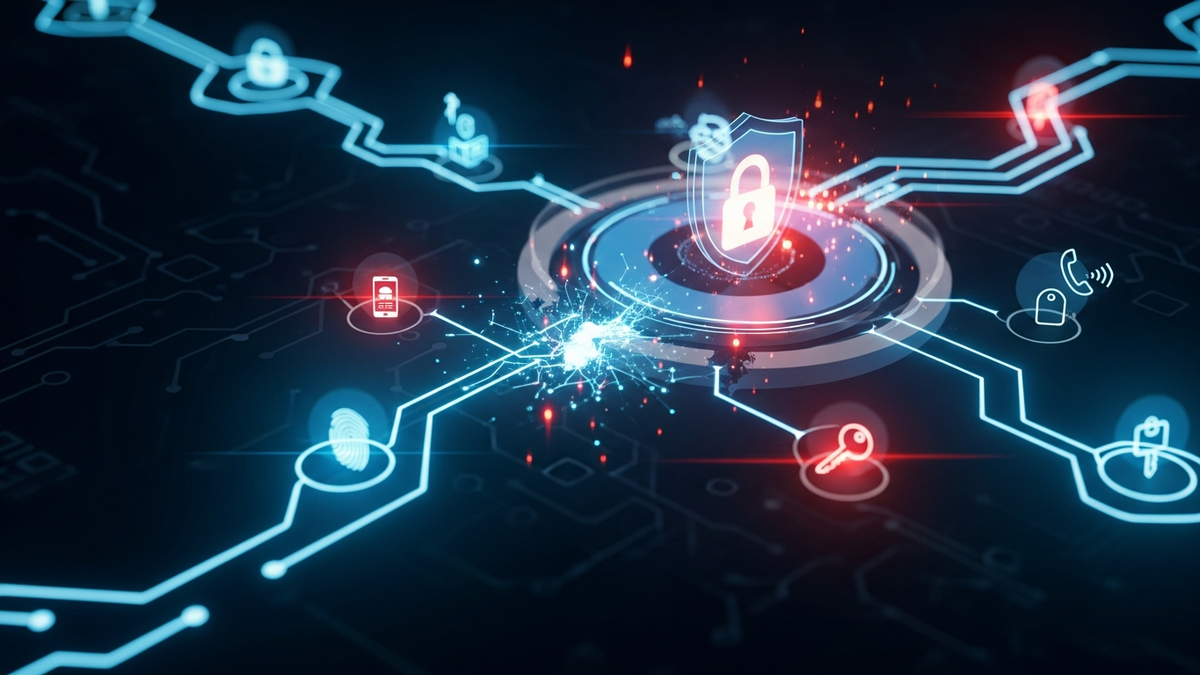
Understanding Multi-Factor Authentication and Its Vulnerabilities
In an era where data breaches make headlines almost weekly and cybercriminals employ increasingly sophisticated tactics, the simple username-password combination has become woefully inadequate fo...
Introduction
In an era where data breaches make headlines almost weekly and cybercriminals employ increasingly sophisticated tactics, the simple username-password combination has become woefully inadequate for protecting our digital identities. Multi-factor authentication (MFA), also known as two-factor authentication (2FA) when using two factors, has emerged as a critical security layer that organizations and individuals alike must understand and implement.
Yet despite its widespread adoption and proven effectiveness, MFA is not an impenetrable fortress. Like any security mechanism, it has vulnerabilities that attackers continuously attempt to exploitExploit🛡️Code or technique that takes advantage of a vulnerability to cause unintended behavior, such as gaining unauthorized access.. Understanding both the strengths and weaknesses of MFA is essential for anyone seeking to protect their digital assets in today's threat landscape.
This comprehensive guide will walk you through the fundamental principles of multi-factor authentication, explore how various MFA methods work, examine real-world cases of both successful protection and clever bypasses, and provide actionable strategies for implementing MFA securely. Whether you're a technology professional responsible for securing your organization's systems or an individual looking to better protect your personal accounts, this article will equip you with the knowledge needed to leverage MFA effectively while remaining aware of its limitations.
Core Concepts
What Is Multi-Factor Authentication?
Multi-factor authentication is a security mechanism that requires users to provide two or more verification factors to gain access to a resource such as an application, online account, or VPN. Rather than relying solely on a password—something that can be guessed, stolen, or cracked—MFA combines multiple independent credentials to verify a user's identity.
The Three Authentication Factors
Authentication factors fall into three distinct categories:
**Something You Know** – This includes traditional passwords, PINs, security questions, or passphrases. These are knowledge-based factors that exist only in the user's memory (ideally).
**Something You Have** – Physical devices or digital tokens that the user possesses. Examples include smartphones, hardware security keys, smart cards, or authentication apps that generate time-based codes.
**Something You Are** – Biometric identifiers unique to the individual, such as fingerprints, facial recognition, iris scans, voice patterns, or even behavioral characteristics like typing rhythm.
Some security frameworks recognize additional factors:
**Somewhere You Are** – Location-based authentication using GPS coordinates, IP addresses, or network location to verify that access attempts originate from expected locations.
**Something You Do** – Behavioral biometrics that analyze patterns in how users interact with devices, including keystroke dynamics, mouse movement patterns, or touchscreen gestures.
Why MFA Matters
According to Microsoft's security research, MFA can block over 99.9% of account compromise attacks. This dramatic improvement over password-only authentication occurs because even if an attacker obtains your password through phishingPhishing🛡️A social engineering attack using fake emails or websites to steal login credentials or personal info., database breach, or brute force attackBrute Force Attack🛡️An attack method that tries every possible password combination until finding the correct one., they still cannot access your account without the additional authentication factors.
The mathematics of MFA work in the defender's favor. While a password might have thousands or millions of possible combinations, adding a second factor multiplies the difficulty exponentially. A six-digit time-based code that changes every 30 seconds, combined with a password, creates a moving target that renders stolen credentials nearly useless.
How It Works
Common MFA Implementation Methods
**SMS-Based Verification**
The most ubiquitous form of MFA sends a one-time code via text message to a registered phone number. After entering their password, users receive a 6-8 digit code they must enter within a limited timeframe.
How it works: When you attempt to log in, the authentication server generates a random code and sends it through the SMS gateway to your mobile number. You enter this code on the login page, the server verifies it matches what was sent, and grants access if correct.
**Authenticator Apps**
Applications like Google Authenticator, Microsoft Authenticator, Authy, and others generate time-based one-time passwords (TOTP) using an algorithm that combines a shared secret key with the current time.
How it works: During setup, you scan a QR code or enter a secret key into the authenticator app. This shared secret is stored on your device and the service's servers. Both use the same algorithm (typically TOTP, defined in RFC 6238) to generate identical codes every 30-60 seconds. When logging in, you enter the current code displayed in your app, and the server verifies it matches its calculation.
**Hardware Security Keys**
Physical devices like YubiKey or Google Titan keys provide the strongest form of MFA by storing cryptographic credentials that cannot be remotely accessed or phished.
How it works: These devices implement the FIDO2/WebAuthn standard, using public key cryptography. During registration, the key generates a unique key pair for each service—a private key that never leaves the device and a public key stored by the service. When authenticating, the service sends a challenge, the key signs it with the private key (often after you press a button or touch a sensor), and the service verifies the signature using the stored public key.
**Push Notifications**
Mobile authentication apps can send push notifications asking users to approve or deny login attempts.
How it works: When you try to log in on another device, the authentication server sends a push notification to your registered mobile app. The notification displays contextual information (location, device type, time) and presents approve/deny buttons. Your approval cryptographically signs the authentication request, verifying your identity.
**Biometric AuthenticationBiometric Authentication🛡️Using physical characteristics like fingerprints or facial recognition to verify identity.**
Fingerprint scanners, facial recognition, and other biometric systems provide authentication based on unique physical characteristics.
How it works: During enrollment, your biometric data is captured, processed into a mathematical template, and securely stored (ideally on-device rather than a central server). When authenticating, a new scan is compared against the stored template using matching algorithms that account for minor variations while rejecting significant differences.
The Authentication Flow
A typical MFA login sequence follows these steps:
Some implementations use adaptive authentication, which analyzes risk factors like location, device, time of day, and behavior patterns to determine when additional authentication is required. Low-risk scenarios might skip MFA after the first authentication, while high-risk indicators trigger additional verification.
Real-World Examples
Success Stories: MFA Preventing Breaches
**Google's Internal Implementation**
In 2017, Google reported that none of its 85,000+ employees had experienced successful phishing attacks since implementing mandatory hardware security keys. Despite employees being targeted by sophisticated phishing campaigns, the phishing-resistant nature of FIDO security keys prevented any successful account compromises. This demonstrates the effectiveness of well-implemented, phishing-resistant MFA.
**Financial Services Protection**
Major financial institutions have drastically reduced fraudulent account access after implementing MFA. Bank of America reported a significant decrease in account takeover fraud after deploying multi-layered authentication. When attackers obtained customer credentials through data breaches, they were unable to access accounts without the second authentication factor.
**Microsoft 365Microsoft 365🌐Microsoft's subscription-based cloud productivity suite including Office applications, Exchange Online, SharePoint, and Teams. Enterprise Customers**
Microsoft's telemetry data shows that customers who implement MFA experience 99.9% fewer account compromises than those relying solely on passwords. This real-world data across millions of accounts demonstrates MFA's effectiveness at scale.
Notable MFA Bypasses and Attacks
**The Twitter Bitcoin Scam (2020)**
In July 2020, attackers compromised numerous high-profile Twitter accounts, including those of Barack Obama, Elon Musk, and Apple. The attackers used social engineeringSocial Engineering🛡️The psychological manipulation of people into performing actions or divulging confidential information, exploiting human trust rather than technical vulnerabilities. to manipulate Twitter employees with access to internal tools. While some systems had MFA enabled, the attackers used targeted phone spear phishingSpear Phishing🛡️A targeted phishing attack directed at specific individuals or organizations, using personalized information to appear more legitimate and increase success rates. (vishingVishing🛡️Voice phishing—a social engineering attack conducted via phone calls where attackers impersonate trusted entities to extract sensitive information or payments.) to convince employees to provide credentials and approve MFA prompts. This attack highlighted that MFA is only as strong as the human element behind it and the security of administrative access.
**SIM Swapping Attacks**
Numerous cryptocurrency investors have lost millions to SIM swapping attacks, where criminals convince mobile carriers to transfer a victim's phone number to a SIM card controlled by the attacker. With control of the phone number, attackers receive SMS-based MFA codes and reset passwords to accounts. In 2019, a wave of these attacks targeted cryptocurrency holders, with some victims losing their entire holdings despite having SMS-based MFA enabled.
**MFA Fatigue Attacks**
In 2022, attackers compromised Uber's systems by repeatedly sending MFA push notifications to an employee until, exhausted by the constant prompts, the employee approved one. This "MFA fatigue" or "prompt bombing" attack exploits the human tendency to comply just to stop annoyance. The attackers had already obtained the employee's credentials and simply needed that one approval to gain access.
**The Lapsus$ Group**
The Lapsus$ hacking group, active in 2022, successfully breached multiple major technology companies including Microsoft, Cisco, and Nvidia. Their tactics included purchasing employee
Related Reviews
REOLINK 4K Security Camera System Review: Professional PoE Surveillance at DIY Prices
The REOLINK 4K PoE security system delivers 8MP clarity, smart person/vehicle detection, 24/7 recording with 4TB storage, and plug-and-play installation for comprehensive home surveillance.
Ring Outdoor Cam Pro Review: 4K Security Camera with Radar-Powered Motion Detection
The Ring Outdoor Cam Pro delivers Retinal 4K video, 10x enhanced zoom, Low-Light Sight for true color night vision, and radar-powered 3D motion detection for precise security alerts.
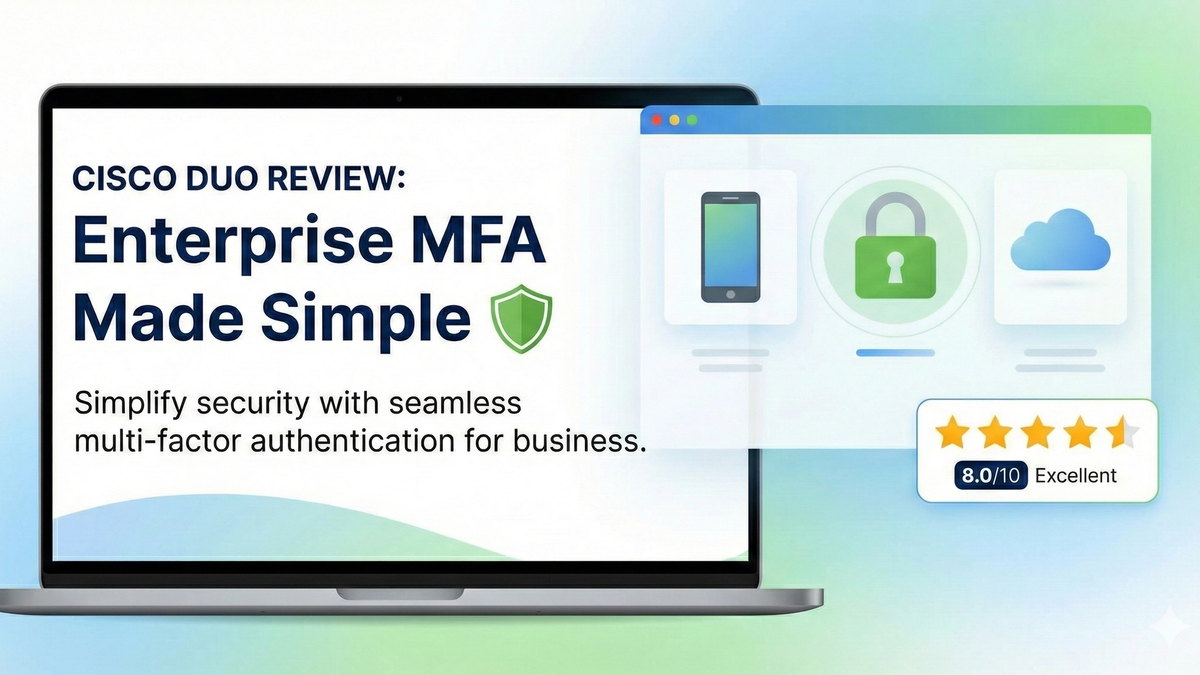
Cisco Duo Review: Enterprise MFA Made Simple
Cisco Duo delivers robust multi-factor authentication with one of the smoothest user experiences in the enterprise MFA space. While pricing can escalate quickly for larger teams, its device trust and adaptive policies make it a solid choice for security-conscious organizations.