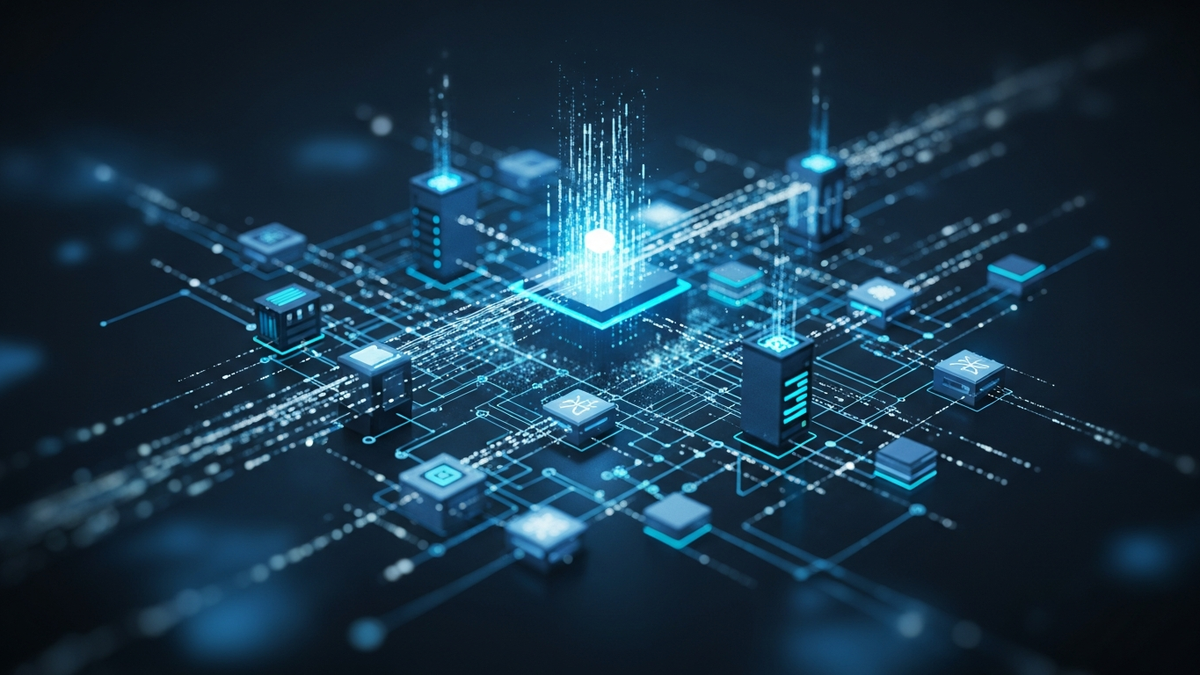
Understanding Data Center Infrastructure and How It Powers Modern Computing
Every time you send an email, stream a video, make an online purchase, or scroll through social media, you're relying on data center infrastructure. These massive facilities are the backbone of o...
Introduction
Every time you send an email, stream a video, make an online purchase, or scroll through social media, you're relying on data center infrastructure. These massive facilities are the backbone of our digital world, housing thousands of servers that process, store, and distribute information at incredible speeds.
Data centers have evolved from simple server rooms to highly sophisticated, multi-million dollar facilities that consume as much power as small cities. Understanding how these critical infrastructures work isn't just for IT professionals anymore—business leaders, entrepreneurs, and technology enthusiasts all benefit from knowing what powers our connected world.
This comprehensive guide will demystify data center infrastructure, explaining the essential components that keep our digital services running 24/7/365. Whether you're considering cloud services for your business, planning your career in IT infrastructure, or simply curious about the technology that enables modern computing, this article will provide you with practical knowledge and actionable insights.
By the end of this guide, you'll understand how data centers are designed, what makes them reliable, how they scale to meet demand, and what trends are shaping their future. Let's dive into the fascinating world of data center infrastructure.
Core Concepts
What Is a Data Center?
A data center is a physical facility that organizations use to house critical applications and data. At its most basic level, it's a building filled with networked computers (servers) and supporting infrastructure that keeps those computers running reliably. However, modern data centers are far more complex than simple server rooms.
Data centers range dramatically in size and scope. A small business might operate a modest data center occupying a single room, while hyperscale facilities operated by companies like Google, Amazon, or Microsoft span hundreds of thousands of square feet and house hundreds of thousands of servers.
The Four Pillars of Data Center Infrastructure
Data center infrastructure consists of four fundamental pillars:
**1. Computing Resources**: The servers and processing equipment that run applications and handle workloads. This includes physical servers, blade systems, and increasingly, virtualized computing resources.
**2. Storage Systems**: Equipment that stores data persistently, including hard disk arrays, solid-state storage systems, and backup infrastructure. Modern data centers employ tiered storage strategies, balancing performance, capacity, and cost.
**3. Network Infrastructure**: The communication backbone that connects servers to each other and to the outside world. This includes routers, switches, load balancers, firewalls, and the physical cabling that ties everything together.
**4. Facility Infrastructure**: The physical building and support systems that keep computing equipment operational. This includes power systems, cooling infrastructure, fire suppression, physical security, and environmental monitoring.
Data Center Tiers
The Uptime Institute established a tier classification system that helps standardize data center reliability expectations:
**Tier I (Basic Capacity)**: Single path for power and cooling, no redundant components. Expected availability: 99.671% (28.8 hours of downtime annually).
**Tier II (Redundant Capacity Components)**: Single path for power and cooling, with redundant components. Expected availability: 99.741% (22 hours of downtime annually).
**Tier III (Concurrently Maintainable)**: Multiple power and cooling paths, but only one active. Redundant components allow maintenance without shutdown. Expected availability: 99.982% (1.6 hours of downtime annually).
**Tier IV (Fault Tolerant)**: Multiple active power and cooling paths, fully redundant components. Can sustain a single fault without impacting operations. Expected availability: 99.995% (26 minutes of downtime annually).
Understanding these tiers helps organizations make informed decisions about where to host critical applications based on their tolerance for downtime.
Colocation vs. Enterprise vs. Cloud Data Centers
**Enterprise Data Centers** are owned and operated by organizations for their exclusive use. These offer maximum control but require significant capital investment and ongoing operational expertise.
**Colocation Facilities** provide space, power, and cooling to multiple organizations who install and manage their own equipment. This model reduces infrastructure costs while maintaining control over hardware.
**Cloud Data Centers** are operated by service providers who offer computing resources on-demand. Users consume infrastructure as a service without managing physical equipment.
Each model suits different business needs, and many organizations employ hybrid strategies combining multiple approaches.
How It Works
Power Systems: The Lifeblood of Data Centers
Data centers are extraordinarily power-hungry. A medium-sized facility might consume 10-20 megawatts—enough electricity to power 10,000 homes. Understanding power infrastructure is essential to grasping data center operations.
**Utility Power and Redundancy**: Most data centers connect to multiple utility power feeds from different substations, ensuring that if one feed fails, others remain operational. These feeds enter the building through separate paths to prevent a single incident from disrupting all power sources.
**Uninterruptible Power Supply (UPS)**: UPS systems provide immediate backup power during utility outages, bridging the gap until generators start. Large UPS installations contain massive battery banks that can sustain operations for 5-15 minutes—enough time for generators to come online and stabilize.
**Generator Systems**: Diesel or natural gas generators provide sustained backup power during extended outages. Tier III and IV data centers maintain N+1 or 2N generator capacity, meaning they have at least one or twice the number of generators needed to power the entire facility.
**Power Distribution Units (PDUs)**: These devices distribute power to server racks, often incorporating remote monitoring and switching capabilities. Intelligent PDUs provide real-time power consumption data for each circuit, enabling detailed capacity planning and cost allocation.
**Automatic Transfer Switches (ATS)**: These devices seamlessly switch between utility and generator power when needed, ensuring continuous operation during transitions.
Cooling Infrastructure: Fighting the Heat
Computing equipment generates tremendous heat. Without proper cooling, servers would overheat and fail within minutes. Data centers typically employ multiple cooling strategies working in concert.
**Computer Room Air Conditioning (CRAC) Units**: Traditional CRAC units use mechanical cooling (compressors and refrigerants) to chill air, which is then circulated throughout the data center. These systems work similarly to large-scale versions of home air conditioners.
**Computer Room Air Handler (CRAH) Units**: CRAH units use chilled water from a central cooling plant to cool air without mechanical refrigeration in each unit. This approach is often more efficient for large facilities.
**Hot Aisle/Cold Aisle Configuration**: Server racks are arranged in alternating rows so that equipment air intakes (cold aisles) face away from exhaust outputs (hot aisles). This prevents hot exhaust air from mixing with cool intake air, dramatically improving cooling efficiency.
**Containment Systems**: Advanced facilities implement hot aisle or cold aisle containment, using barriers and doors to physically separate hot and cold air streams. This further improves efficiency by preventing air mixing and allowing higher temperature differentials.
**Free Cooling**: When outside temperatures permit, data centers use "economizers" to cool facilities with outside air or use outside air to cool water for CRAH systems, significantly reducing energy consumption.
**Liquid Cooling**: Emerging technologies bring coolant directly to heat-generating components through cold plates or immersive systems, offering superior efficiency for high-density computing environments.
Network Architecture: Connecting Everything
Network infrastructure moves data between servers, storage systems, and the outside world. Modern data centers employ sophisticated network architectures designed for performance, reliability, and security.
**Core-Distribution-Access Model**: Traditional data center networks use a three-tier hierarchy. Core switches handle high-volume traffic between major network segments, distribution switches connect access layer switches and implement policies, and access switches connect directly to servers.
**Spine-Leaf Architecture**: Modern high-performance data centers increasingly adopt spine-leaf networks, where every leaf switch (connecting servers) connects to every spine switch, creating equal-cost paths between any two servers. This design eliminates bottlenecks and provides predictable performance.
**Software-Defined Networking (SDN)**: SDN separates network control logic from physical hardware, allowing administrators to program network behavior through software rather than manually configuring individual devices. This enables automation, rapid deployment, and consistent policy enforcement.
**Network Security Layers**: Data centers implement defense-in-depth strategies with firewalls at multiple levels, intrusion detection/prevention systems, and microsegmentation that isolates different applications and tenants from each other.
Storage Infrastructure: Where Data Lives
Data centers house vast amounts of storage, from hot, high-performance systems to cold archival storage.
**Storage Area Networks (SAN)**: SANs provide block-level storage to servers over dedicated high-speed networks, typically using Fibre Channel or iSCSI protocols. SANs consolidate storage resources and enable advanced features like snapshots and replication.
**Network-Attached Storage (NAS)**: NAS devices provide file-level storage over standard networks, offering simpler management for shared file systems.
**Object Storage**: Modern cloud-native applications increasingly use object storage, which stores data as discrete objects with metadataMetadata📖Data about data—like email timestamps, file sizes, or location tags on photos. rather than in traditional file hierarchies. This approach scales efficiently to billions of objects and enables powerful programmatic access.
**Tiered Storage**: Data centers implement
Related Reviews
REOLINK 4K Security Camera System Review: Professional PoE Surveillance at DIY Prices
The REOLINK 4K PoE security system delivers 8MP clarity, smart person/vehicle detection, 24/7 recording with 4TB storage, and plug-and-play installation for comprehensive home surveillance.
Ring Outdoor Cam Pro Review: 4K Security Camera with Radar-Powered Motion Detection
The Ring Outdoor Cam Pro delivers Retinal 4K video, 10x enhanced zoom, Low-Light Sight for true color night vision, and radar-powered 3D motion detection for precise security alerts.
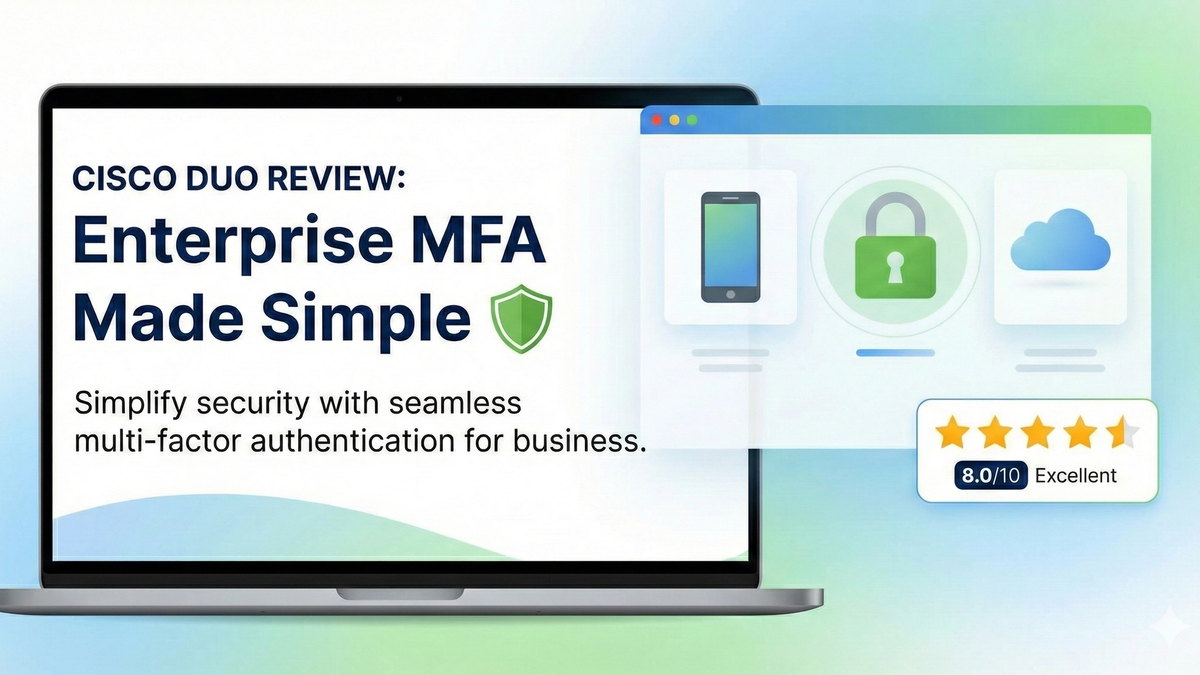
Cisco Duo Review: Enterprise MFA Made Simple
Cisco Duo delivers robust multi-factor authentication with one of the smoothest user experiences in the enterprise MFA space. While pricing can escalate quickly for larger teams, its device trust and adaptive policies make it a solid choice for security-conscious organizations.