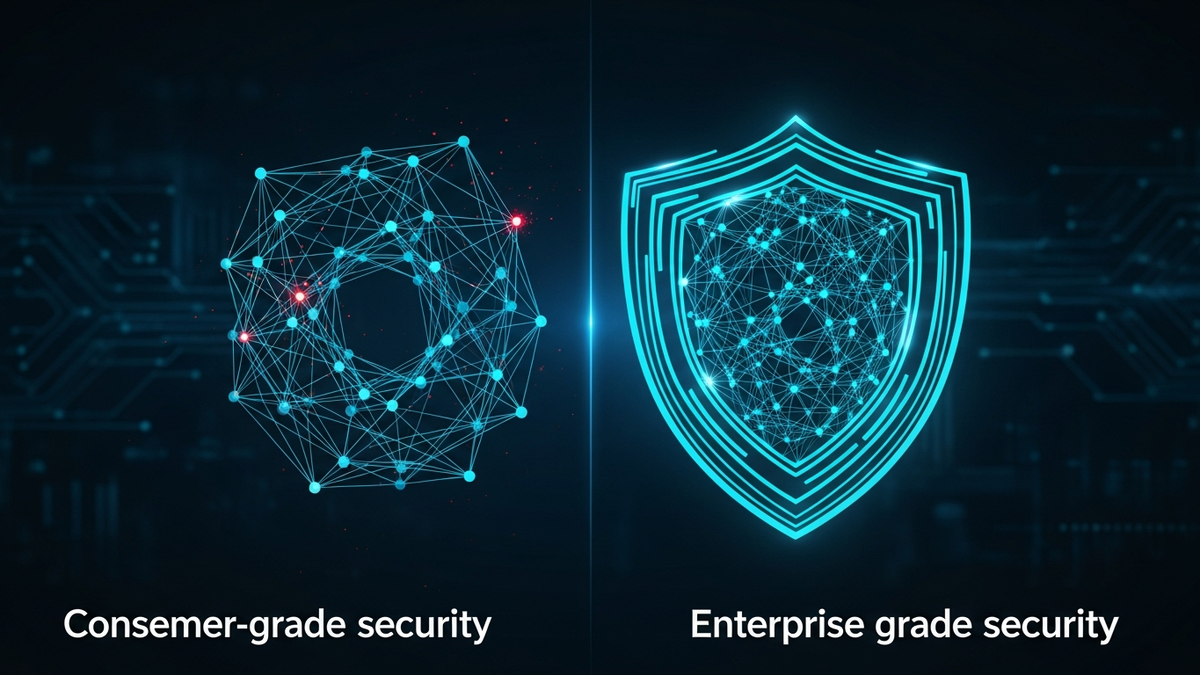
Understanding the Difference Between Consumer and Enterprise-Grade Technology Security
When you download an antivirus program for your home computer or set up a password on your smartphone, you're using consumer-grade security. When a Fortune 500 company protects its data centers a...
Introduction
When you download an antivirus program for your home computer or set up a password on your smartphone, you're using consumer-grade security. When a Fortune 500 company protects its data centers and employee devices, it relies on enterprise-grade security. While both aim to protect digital assets, the difference between these two approaches is far more significant than simply the number of devices being protected.
Understanding this distinction matters more than ever. As remote work blurs the line between personal and professional computing, small business owners must decide which security approach fits their needs, IT professionals need to justify budget allocations, and everyday users benefit from knowing what protections they're missing. The gap between consumer and enterprise security isn't just about cost—it's about architecture, philosophy, and the fundamental assumptions about threats and resources.
This article will demystify the differences between consumer and enterprise-grade technology security, exploring not just what separates them, but why these differences exist and what they mean for your digital safety. Whether you're securing a home network, a small startup, or evaluating your employer's security posture, you'll gain the knowledge to make informed decisions about protecting what matters most.
Core Concepts
Defining Consumer-Grade Security
Consumer-grade security solutions are designed for individual users or small households. These products prioritize ease of use, automated operation, and affordability. Think of the antivirus software you buy at an electronics store, the built-in firewallFirewall🌐Security system that monitors and controls network traffic based on predetermined rules. on your home routerRouter🌐A device that directs data packets between your local network and the internet., or the password managerPassword Manager🛡️Software that securely stores and auto-fills passwords, generating strong unique passwords for each account. with a free tier.
The defining characteristics include:
Defining Enterprise-Grade Security
Enterprise-grade security addresses the needs of organizations with multiple users, diverse devices, complex networks, and valuable data assets. These solutions assume dedicated IT staff, substantial budgets, and the need for comprehensive protection against sophisticated threats.
Key characteristics include:
The Threat Model Difference
Perhaps the most fundamental distinction lies in the threat models each approach addresses. Consumer security assumes opportunistic attacks: mass malware campaigns, phishingPhishing🛡️A social engineering attack using fake emails or websites to steal login credentials or personal info. emails, and automated scanning for vulnerable systems. The attacker is typically looking for easy targets among millions of potential victims.
Enterprise security assumes targeted, persistent threats. Attackers may specifically want your organization's data, intellectual property, or customer information. They have time, resources, and motivation to probe defenses repeatedly, exploitExploit🛡️Code or technique that takes advantage of a vulnerability to cause unintended behavior, such as gaining unauthorized access. zero-dayZero-Day🛡️A security vulnerability that is exploited or publicly disclosed before the software vendor can release a patchPatch🛡️A software update that fixes security vulnerabilities, bugs, or adds improvements to an existing program., giving developers 'zero days' to fix it. vulnerabilities, and use social engineeringSocial Engineering🛡️The psychological manipulation of people into performing actions or divulging confidential information, exploiting human trust rather than technical vulnerabilities. against specific employees. This difference in assumptions drives dramatically different security architectures.
Defense in DepthDefense in Depth🛡️A security strategy using multiple layers of protection so that if one layer fails, other layers continue to provide security. vs. Perimeter Security
Consumer security typically relies on perimeter defense—a strong outer wall protecting what's inside. Your antivirus scans incoming files, your firewall blocks suspicious connections, and your router creates a boundary between your home network and the internet.
Enterprise security implements defense in depth—multiple overlapping security layers that assume the perimeter will eventually be breached. Even if an attacker penetrates the network, they encounter encryptionEncryption🛡️The process of converting data into a coded format that can only be read with the correct decryption key., access controls, network segmentation, intrusion detection systems, and behavioral monitoring. Each layer provides additional opportunities to detect and stop threats.
How It Works
Authentication and Access Control
**Consumer Approach**: You create passwords for your accounts, perhaps use two-factor authentication with your smartphone, and maybe employ a password manager. Each application handles its own authentication independently.
**Enterprise Approach**: Organizations implement centralized identity and access management (IAM) systems. When an employee logs in, they authenticate once to access multiple systems (single sign-on). The organization enforces password policies, manages multi-factor authentication centrally, and can instantly revoke access across all systems when an employee leaves. Role-based access control (RBAC) ensures employees only access data relevant to their job function.
**Technical Example**: A consumer might use Google's authenticator app for two-factor authentication on their email. An enterprise deploys Microsoft Active Directory with Azure AD, integrating with CrowdStrike for endpoint security, Okta for SSO, and hardware security keys (like YubiKeys) for privileged accounts. When an employee is terminated, one change in the directory immediately revokes access to email, file servers, databases, and cloud applications.
Endpoint Protection
**Consumer Approach**: Antivirus software scans files against databases of known malware signatures. It may include a firewall and perhaps behavior monitoring, but generally runs independently on each device without centralized visibility.
**Enterprise Approach**: Endpoint Detection and Response (EDR) platforms monitor process behavior, network connections, registry changes, and system calls in real-time. They use artificial intelligence to identify anomalous behavior, not just known malware. All endpoint data streams to a central security operations center (SOC) where analysts can investigate suspicious activity, remotely isolate compromised devices, and execute response procedures across thousands of endpoints simultaneously.
**Technical Example**: A consumer's antivirus might flag and quarantine a known ransomware variant. An EDR solution like CrowdStrike Falcon or SentinelOne would detect the unusual pattern of rapid file encryption even from a never-before-seen ransomware strain, automatically isolate the affected machine from the network, alert security analysts, preserve forensic evidence, and provide a timeline of exactly what the malware did and how it entered the system.
Network Security
**Consumer Approach**: Your home router provides Network Address Translation (NAT), a basic firewall, and perhaps Wi-Fi encryption (WPA2 or WPA3). You might create a guest network for visitors. Configuration happens through a simple web interface.
**Enterprise Approach**: Networks are segmented into zones based on security requirements and trust levels. Next-generation firewalls inspect encrypted traffic, perform deep packet inspection, and apply policies based on application type, not just port numbers. Intrusion Detection Systems (IDS) and Intrusion Prevention Systems (IPS) monitor for attack patterns. Software-defined networking enables dynamic security policy enforcement.
**Technical Example**: A consumer router might allow or block traffic to specific websites. An enterprise network segments the finance department's servers from general staff, places IoT devices on an isolated network, routes all traffic through a Palo Alto Networks or Fortinet firewall that decrypts and inspects HTTPS traffic, correlates threat intelligence, and automatically blocks communication with known command-and-control servers. Virtual LANs (VLANs) and Zero TrustZero Trust🛡️A security model that requires strict verification for every user and device trying to access resources, regardless of whether they're inside or outside the network perimeter. Network Access (ZTNA) ensure that even internal lateral movementLateral Movement🛡️Techniques attackers use to move through a network after initial compromise, seeking additional systems to control and data to steal. is restricted and monitored.
Data Protection
**Consumer Approach**: You might backup files to an external drive or cloud service like Dropbox. Sensitive documents could be password-protected. Smartphones typically offer full-disk encryption.
**Enterprise Approach**: Data Loss Prevention (DLP) systems classify data based on sensitivity and enforce policies automatically. Emails containing credit card numbers can't be sent outside the organization. Files marked confidential can't be copied to USB drives. Encryption is mandatory for data at rest and in transit, with centralized key management. Database activity monitoring tracks who accessed what data and when.
**Technical Example**: A consumer might manually encrypt a tax document before uploading it to cloud storage. An enterprise implements a DLP solution like Symantec DLP or Microsoft Information Protection that automatically classifies documents containing personally identifiable information (PII), prevents them from being attached to personal email accounts, allows access only from managed devices, maintains encrypted backups with immutable snapshots protected from ransomware, and creates detailed audit logs of every access for compliance purposes.
Incident Response
**Consumer Approach**: If your computer gets infected, you might run a malware scan, restore from backup, or reinstall the operating system. The process is largely manual and reactive.
**Enterprise Approach**: Organizations maintain formal incident response plans with defined roles, communication protocols, and response playbooks. Security Information and Event Management (SIEM) platforms aggregate logs from across the infrastructure, correlating events to identify security incidents. Security Orchestration, Automation, and Response (SOAR) platforms automate common response tasks. Forensic tools preserve evidence, and tabletop exercises prepare teams for various scenarios.
**Technical Example**: After a consumer discovers unusual charges, they might call their bank and change their password. When an enterprise detects a potential breach, the incident response team activates: automated systems isolate affected segments, forensic images are captured, a communications plan is executed involving legal, PR, and executives, threat intelligence platforms identify indicators of compromise, and a detailed timeline is constructed to determine scope of impact and notification requirements under breach disclosure laws.
Real-World Examples
Example 1: The Ransomware Attack
**Consumer Scenario**: Sarah clicks an email attachment that appears to
Related Reviews
REOLINK 4K Security Camera System Review: Professional PoE Surveillance at DIY Prices
The REOLINK 4K PoE security system delivers 8MP clarity, smart person/vehicle detection, 24/7 recording with 4TB storage, and plug-and-play installation for comprehensive home surveillance.
Ring Outdoor Cam Pro Review: 4K Security Camera with Radar-Powered Motion Detection
The Ring Outdoor Cam Pro delivers Retinal 4K video, 10x enhanced zoom, Low-Light Sight for true color night vision, and radar-powered 3D motion detection for precise security alerts.
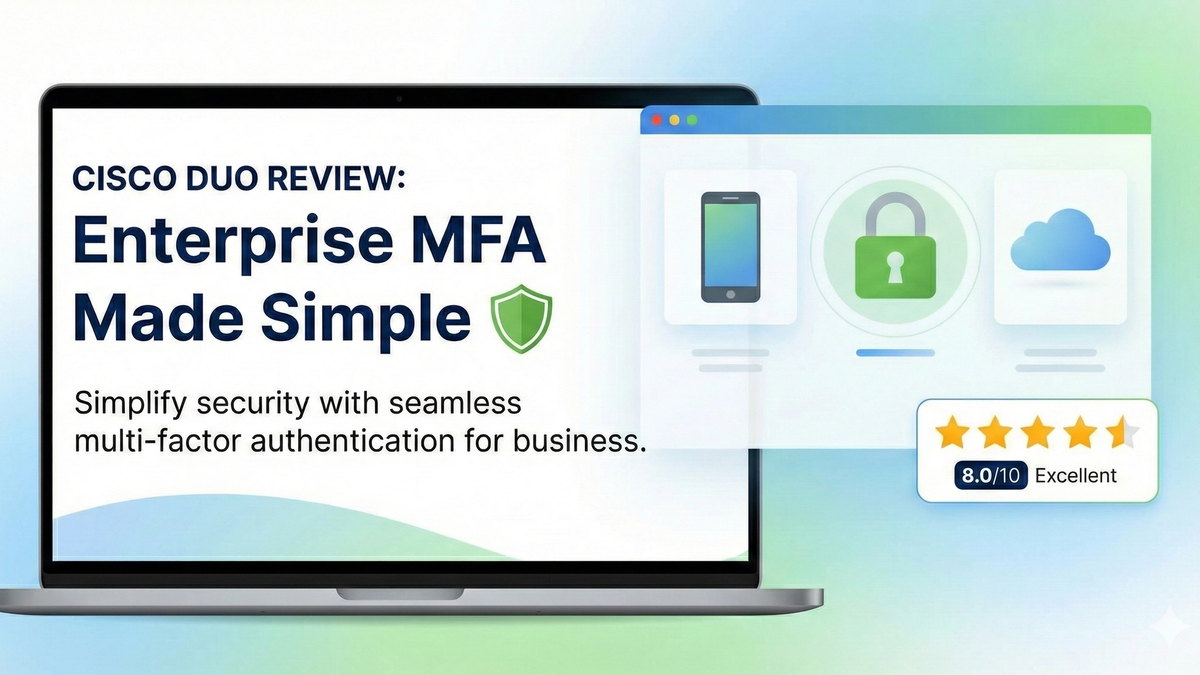
Cisco Duo Review: Enterprise MFA Made Simple
Cisco Duo delivers robust multi-factor authentication with one of the smoothest user experiences in the enterprise MFA space. While pricing can escalate quickly for larger teams, its device trust and adaptive policies make it a solid choice for security-conscious organizations.