Protecting VMware ESXi From Ransomware: Hypervisor Security Best Practices
Learn how to defend VMware ESXi environments from ransomware attacks like RansomHouse. Covers hardening, access control, monitoring, and backup strategies for hypervisor security.
VMware ESXi has become a primary target for sophisticated ransomware operations. Groups like RansomHouse, LockBit, and BlackCat have developed specialized tools to compromise ESXi hosts, encrypt virtual machine files, and hold entire virtualized infrastructures hostage. A single successful attack can incapacitate dozens of servers simultaneously, making hypervisorHypervisor🌐Software that creates and manages virtual machines by allocating physical hardware resources among multiple guest operating systems. VMware ESXi is a Type 1 (bare-metal) hypervisor.-level ransomware among the most devastating cyber threats facing modern enterprises.
This guide provides comprehensive strategies for protecting VMware ESXi environments from ransomware. We will cover hardening configurations, access control, network segmentation, monitoring approaches, and backup strategies that provide resilience against even sophisticated attacks like those using RansomHouse's MrAgent tool or Mario encryptor.
Why Ransomware Targets VMware ESXi
Understanding why ESXi attracts ransomware operators helps prioritize defensive measures. Server consolidation multiplies impact—a single ESXi host might run 20, 50, or even more virtual machines. Critical workloads run on virtual infrastructure. And ESXi often receives less security attention than other systems.
Common Attack Vectors
Ransomware reaches ESXi environments through several attack paths: SSH access exploitation, vCenter Server compromise, ESXi vulnerabilities, and lateral movementLateral Movement🛡️Techniques attackers use to move through a network after initial compromise, seeking additional systems to control and data to steal. from guest VMs. RansomHouse's MrAgent tool specifically leverages SSH access to automate attacks across multiple ESXi hosts.
Hardening ESXi Configuration
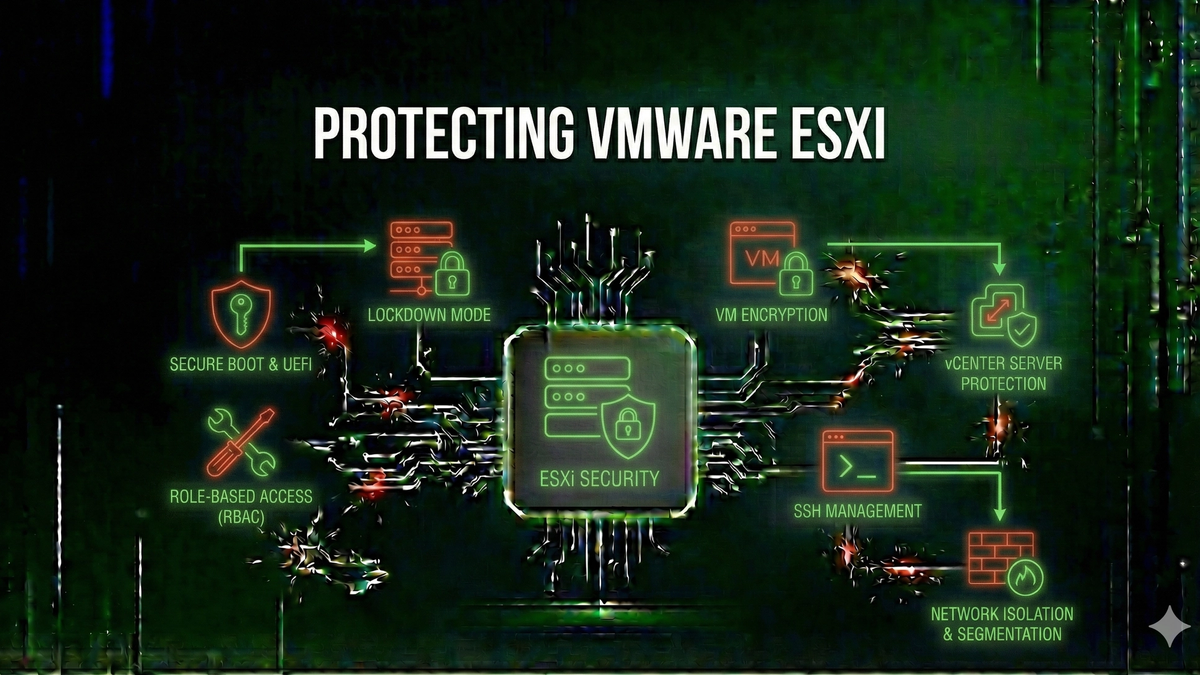
Proper configuration significantly reduces ESXi's attack surface. Key measures include: disabling or restricting SSH, enabling Lockdown Mode, disabling unnecessary services like OpenSLP, and maintaining current patchPatch🛡️A software update that fixes security vulnerabilities, bugs, or adds improvements to an existing program. levels.
Access Control and Authentication
Strong access controls prevent attackers from gaining the credentials needed to compromise ESXi environments. Secure the root account with strong, unique passwords. Implement Active Directory integration carefully. Use multi-factor authentication for vCenter access. Apply role-based access control with least privilege.
Network Segmentation and FirewallFirewall🌐Security system that monitors and controls network traffic based on predetermined rules. Rules
Network architecture plays a crucial role in limiting ransomware's ability to reach ESXi hosts. ESXi management interfaces should reside on a dedicated management VLAN. Configure the ESXi firewall to restrict access. Isolate vCenter Server on the management network.
Monitoring and Detection
Detection capabilities enable rapid response before ransomware completes encryptionEncryption🛡️The process of converting data into a coded format that can only be read with the correct decryption key.. Configure centralized log collection. Create alerts for suspicious activity like SSH login attempts, Shell enablement changes, and unexpected file operations. Deploy network detection and response solutions.
Backup and Recovery Strategies
When prevention and detection fail, recovery capability determines whether an organization survives a ransomware attack. Follow the 3-2-1-1-0 rule with immutable backup storage. Test restores regularly. Maintain ESXi configuration backups.
Key Takeaways
Protecting VMware ESXi from ransomware requires a defense-in-depth approach addressing configuration, access control, network security, monitoring, and recovery capabilities.
Keep Learning
Frequently Asked Questions
How can I protect my organization from ransomware attacks?
Protection requires a multi-layered approach including regular backups, security awareness training, endpoint protection, network segmentation, and keeping systems patched. This guide covers specific defensive measures in detail.
What authentication methods are most secure?
Multi-factor authentication (MFA) using hardware security keys or authenticator apps provides the strongest protection. Avoid SMS-based verification when possible, and use a password managerPassword Manager🛡️Software that securely stores and auto-fills passwords, generating strong unique passwords for each account. for unique, complex passwords.
How do I know if my systems are affected by these vulnerabilities?
Check vendor advisories for affected versions, use vulnerabilityVulnerability🛡️A weakness in software, hardware, or processes that can be exploited by attackers to gain unauthorized access or cause harm. scanners, review your asset inventory, and monitor CISA's Known Exploited Vulnerabilities catalog for active threats requiring immediate attention.
What will I learn from this article?
Learn how to defend VMware ESXi environments from ransomware attacks like RansomHouse. Covers hardening, access control, monitoring, and backup strategies for hypervisor security.
Related Reviews
REOLINK 4K Security Camera System Review: Professional PoE Surveillance at DIY Prices
The REOLINK 4K PoE security system delivers 8MP clarity, smart person/vehicle detection, 24/7 recording with 4TB storage, and plug-and-play installation for comprehensive home surveillance.
Ring Outdoor Cam Pro Review: 4K Security Camera with Radar-Powered Motion Detection
The Ring Outdoor Cam Pro delivers Retinal 4K video, 10x enhanced zoom, Low-Light Sight for true color night vision, and radar-powered 3D motion detection for precise security alerts.
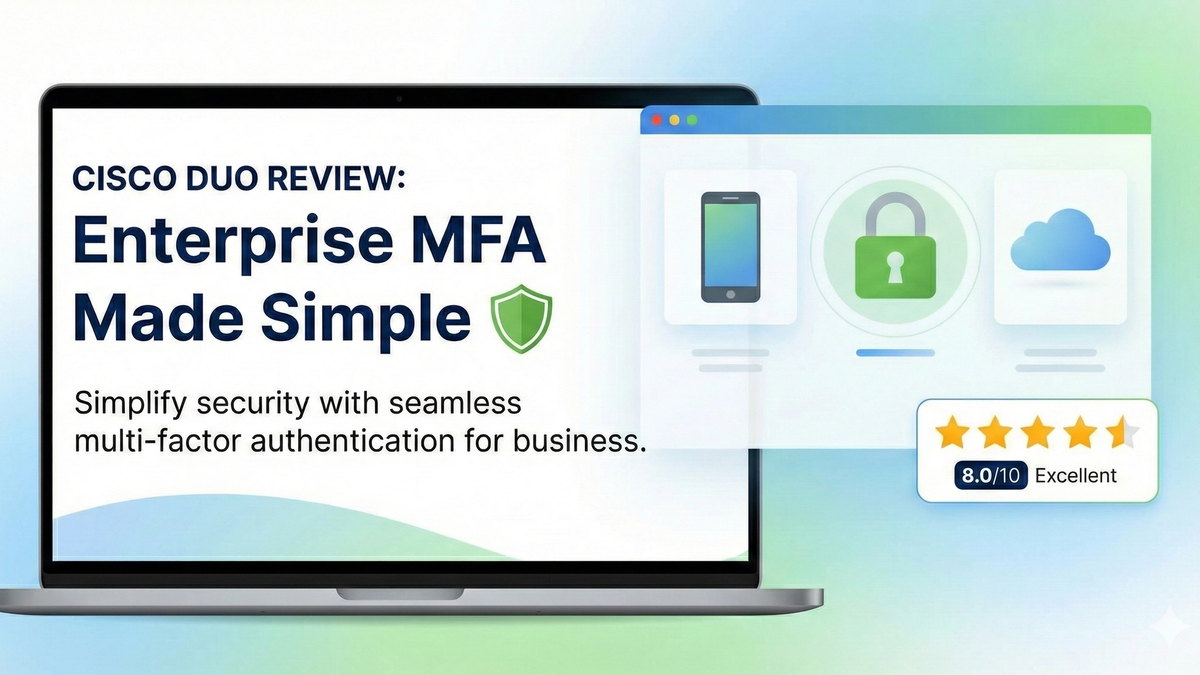
Cisco Duo Review: Enterprise MFA Made Simple
Cisco Duo delivers robust multi-factor authentication with one of the smoothest user experiences in the enterprise MFA space. While pricing can escalate quickly for larger teams, its device trust and adaptive policies make it a solid choice for security-conscious organizations.